Sign in
| Field | Value |
|---|---|
| Screen ID | WEB-SCR-001 / MOB-SCR-001 |
| Module | Access |
| Status | Implemented; screenshot current |
| Platforms | Web, Android phone, Android tablet |
| Roles | Owner, Manager, Cashier |
| Entry | Application launch or authenticated-session expiry |
| Last verified | 2026-07-16 |
| Evidence | Playwright documentation test; Maestro docs-login.yaml |
Purpose
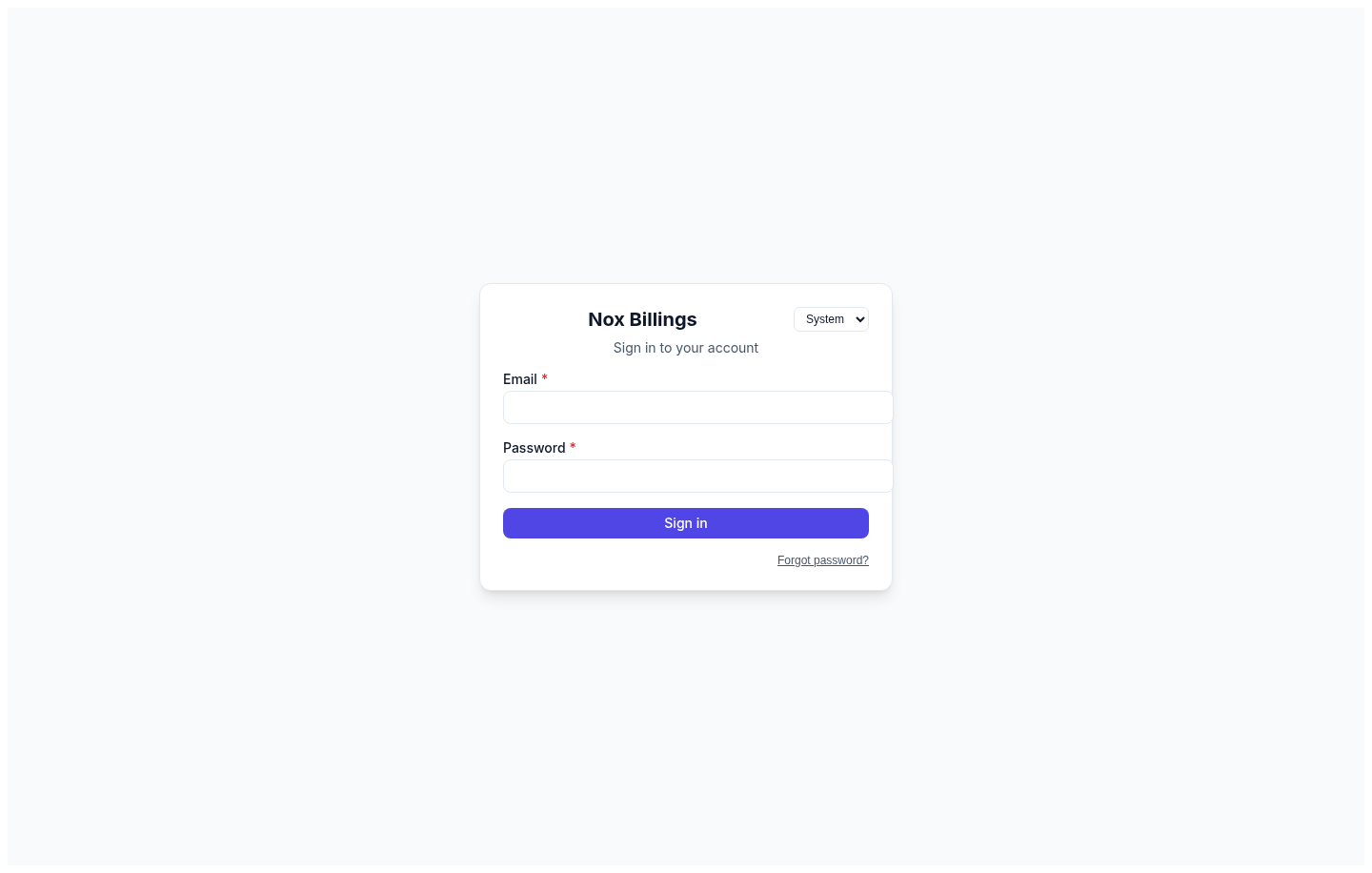
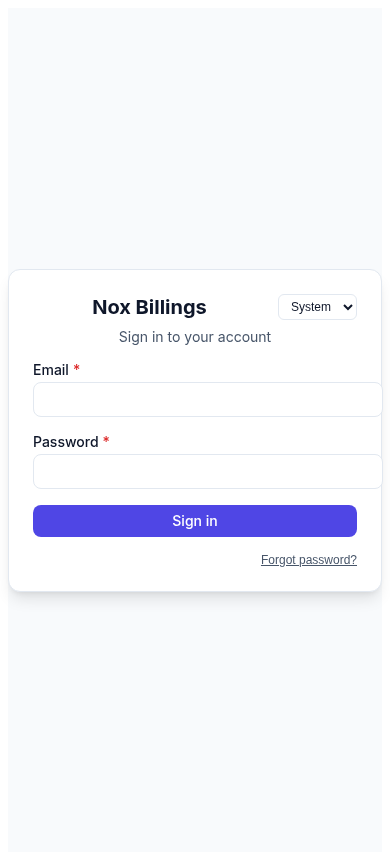
Authenticate a staff member and establish the role and counter context before operational screens become available. The web flow uses account credentials; Android also exposes the supported staff sign-in mode.
Current evidence
Actions and behaviour
| Action | Result | Failure/recovery |
|---|---|---|
| Enter credentials and submit | Starts authenticated session and resolves counter context | Preserve non-secret input where safe; show an actionable authentication error. |
| Select Android sign-in mode | Changes between supported staff and owner credentials | Do not discard entered values without confirmation. |
| Continue after counter selection | Opens the role-appropriate workspace | If no counter is available, explain the missing assignment and offer retry/escalation. |
Do not reveal whether an email address exists. Password fields never appear in screenshots, logs, or analytics. Back navigation from the first authentication step exits the app rather than entering protected content.
Required remaining evidence
- Invalid credentials, unavailable network, expired session, and no-counter-assignment states.
- Phone light theme and tablet layout if visibly different.
- Accessibility pass for focus order, password-manager labels, and keyboard submit.