Review and close the day
Review sales, cash variance, stock attention, and operational work before handing over or closing a shift.
Who can do this
Managers and owners. Cashiers can close only the shifts permitted for their role.
Steps
1. Open Insights
Select Insights on Android or Reports on web. Choose the reporting period you need.
2. Review sales and exceptions
Check sales, invoice count, payment mix, cash variance, discounts, and low-stock signals. Use the visible date range when comparing numbers.
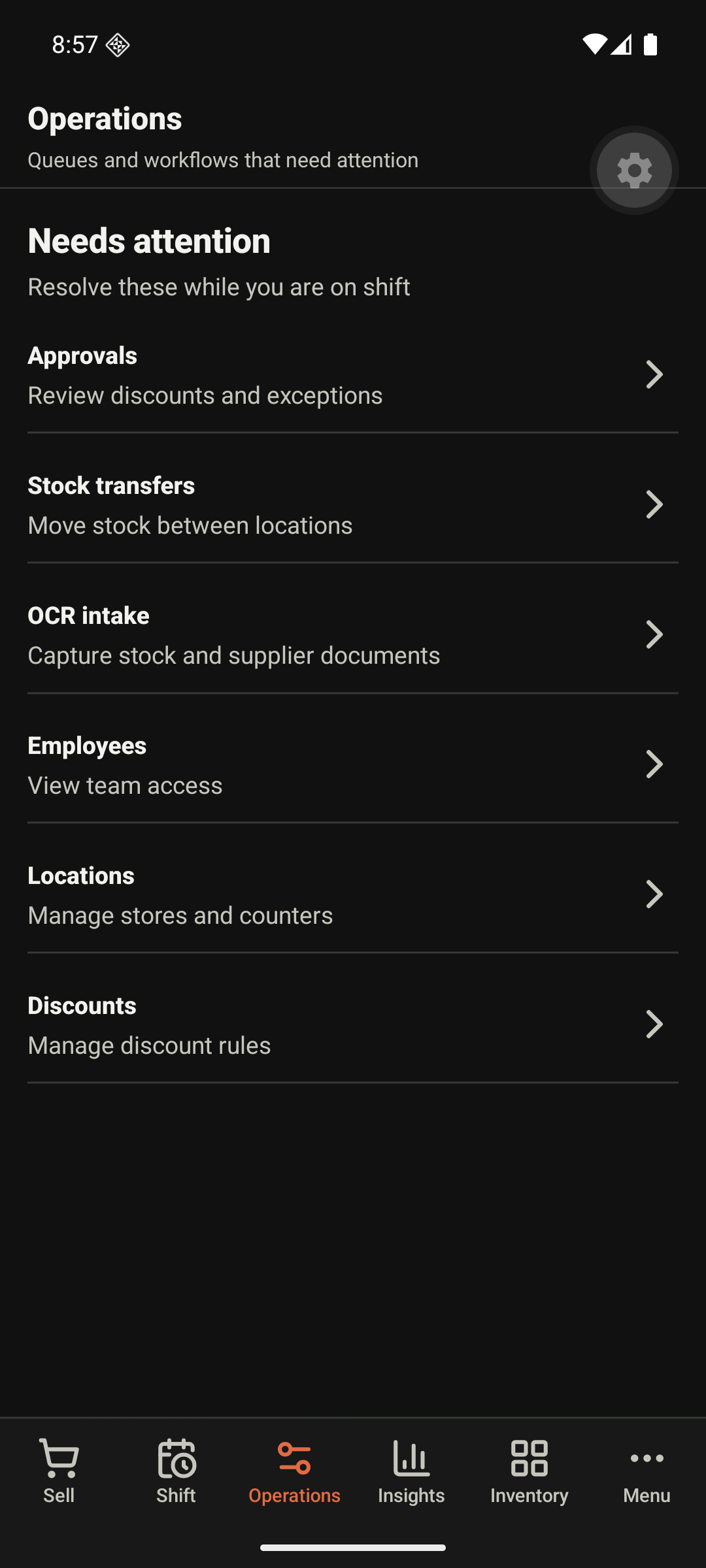
3. Resolve open work
Open Operations to review items such as approvals, transfers, and employee or location exceptions.
4. Close the shift or day
Open Shifts or Day close, count cash where required, and submit the close action once. Keep the resulting record for review.
Expected result
The day or shift shows its recorded totals, variance, status, and any follow-up work. Use export actions only after confirming the selected reporting period.